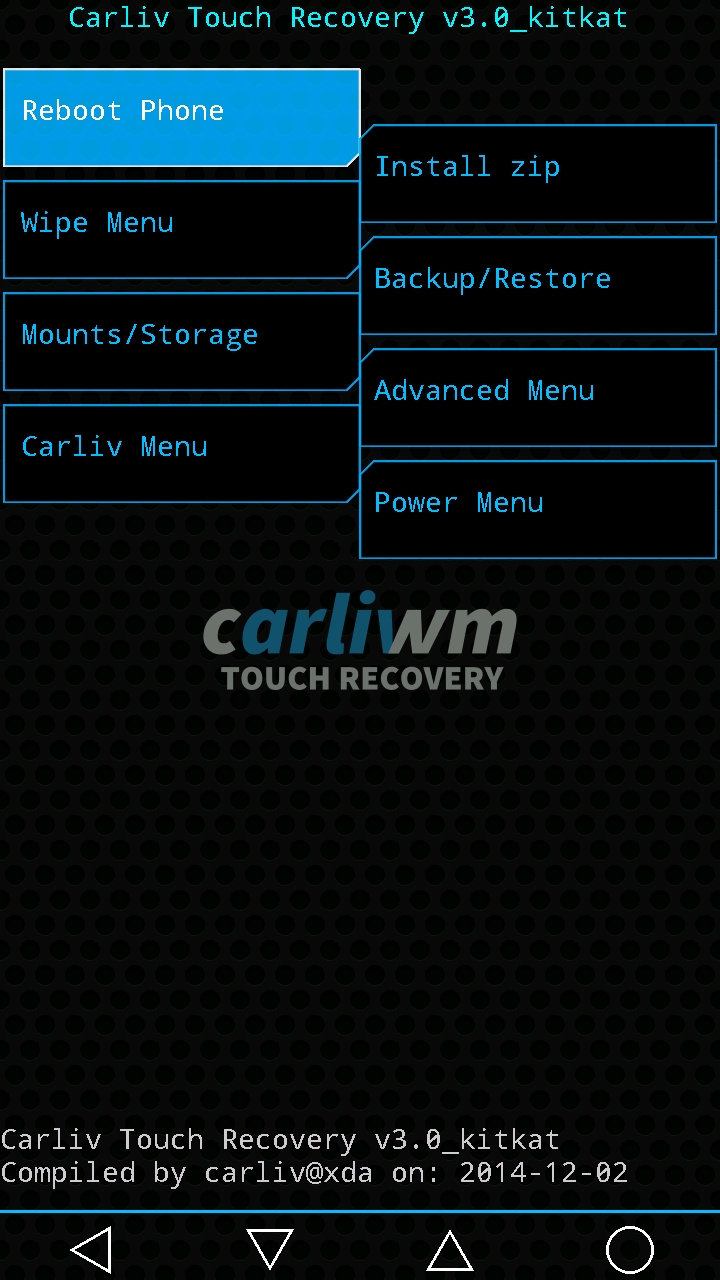
[UPDATED] CTR 3.0 SKK _LYNX

[UPDATED] CTR 3.0 SKK _LYNX OCTA Requirements:Rootedrashr_tool.apkrecovery_ctr3.0_skk_lynx.img (rename to recovery.img) Procedure:Step 1:Install rashr_tool.apk Step 2: Move the recovery.img in your SDCARD outside the folder which you can see easily. Step 3: Open Rashr Tools Grant SuperSuClick Recovery from StorageThen choose Recovery.img Click OK Done! Work’s well in my SKKLYNX both internal and sdcard backup and restore.. What’s new? Version 3.0 first release … Read more
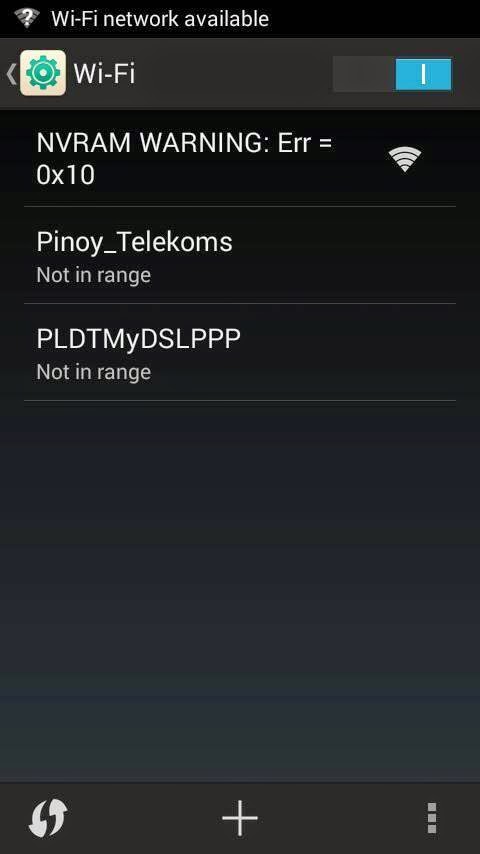
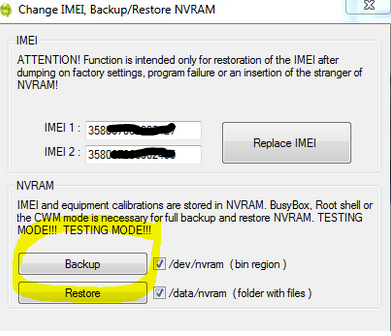
[TUT] WiFi NVRAM WARNING Error Solution

Tutorial on how to Fix NVRAM Warrning Error Solution Requirements: Rooted MTK deviceRootExplorer.apkWifi_Fix_Error.rar Download and Install RootExplorer.apk open rootexplorer Then navigate to File system root/data/nvram/APCFG/APRDEB There you will found to files named 1) WIFI , 2) WIFI_CUSTOM just simply delete these files Now extract the files from the Wifi_Fix_Error.rar and move the extracted files to the previous (root/data/nvram/APCFG/APRDEB) folder. After … Read more

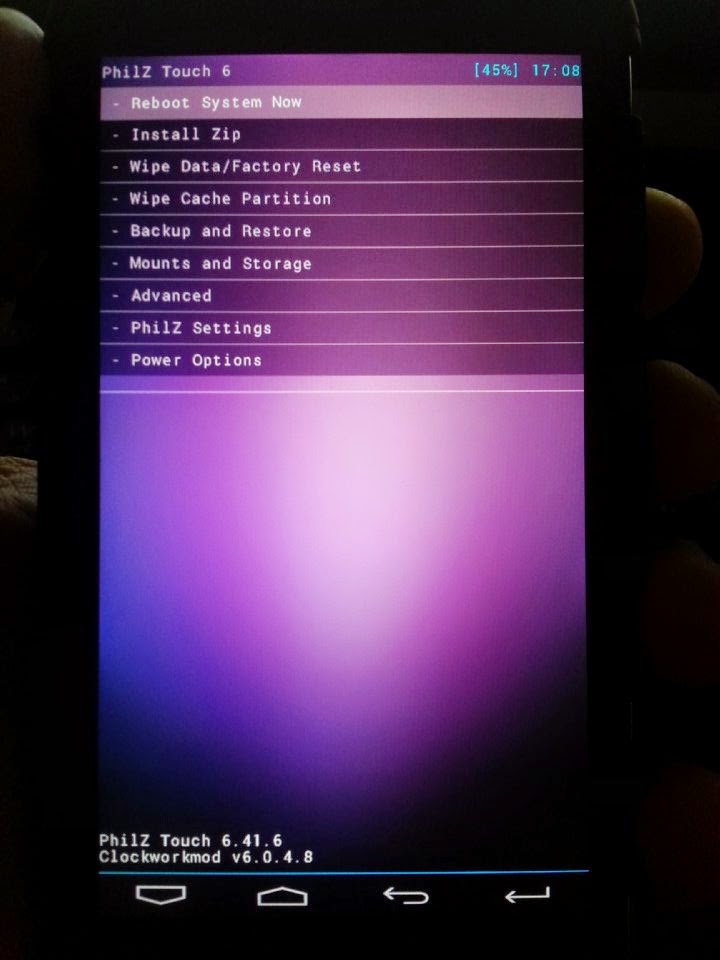
Philz Touch 6 Recovery for SKK LYNX

Flash it with your own RISK!!! I am not resposible for any damage or soft/hard brick will happened to your device! Requirements:Rootedrashr_tool.apkphilz_touch6.2_skk_lynx.img (rename to recovery.img) Procedure:Step 1:Install rashr_tool.apk Step 2: Move the recovery.img in your SDCARD outside the folder which you can see easily. Step 3: Open Rashr Tools Grant SuperSuClick Recovery from StorageThen choose Recovery.img Click OK Done! Enjoy! Please give … Read more

TWRP 2.8 for FLARE S3 OCTACORE

Flash it with your own RISK!!! I am not resposible for any damage or soft/hard brick will happened to your device! Requirements:Rootedrashr_tool.apktwrp2.8_fs3_octa.img (rename to recovery.img) Procedure:Step 1:Install rashr_tool.apk Step 2: Move the recovery.img in your SDCARD outside the folder which you can see easily. Step 3: Open Rashr Tools Grant SuperSuClick Recovery from StorageThen choose Recovery.img Click OK Done! Enjoy! Please give … Read more

TWRP v2.8.1 for SKK Lynx

Flash it with your own RISK!!! I am not resposible for any damage or soft/hard brick will happened to your device! Requirements:Rootedrashr_tool.apktwrp2.8_skk_lynx(2).img (rename to recovery.img) Procedure:Step 1:Install rashr_tool.apk Step 2: Move the recovery.img in your SDCARD outside the folder which you can see easily. Step 3: Open Rashr Tools Grant SuperSuClick Recovery from StorageThen choose Recovery.img Click OK Done! Enjoy! Please give … Read more

CTR 2.7 CM FLARE S3 OCTACORE

Requirements:Rootedrashr_tool.apkcms3ctr2.7.img (rename to recovery.img) Procedure:Step 1:Install rashr_tool.apk Step 2: Move the recovery.img in your SDCARD outside the folder which you can see easily. Step 3: Open Rashr Tools Grant SuperSuClick Recovery from StorageThen choose Recovery.img Click OK Done! Enjoy! Please give proper credits to me and don’t share it without sharing my blogs! Thank you!

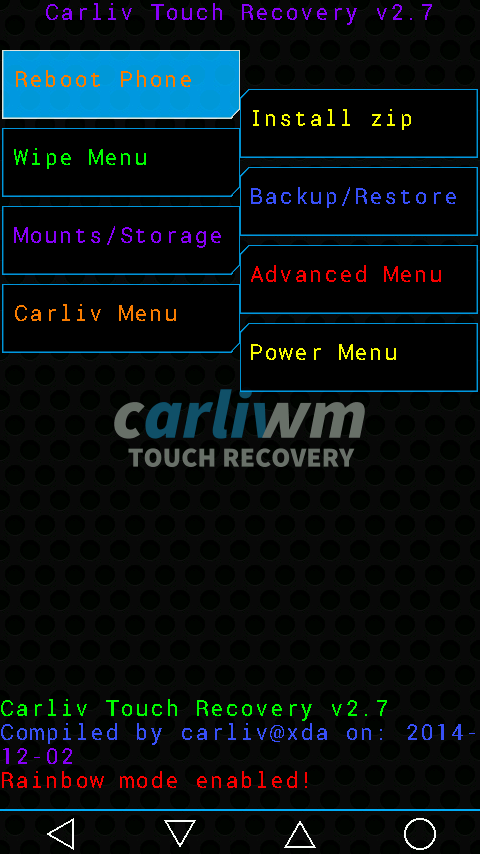
CTR 2.7 for SKK LYNX

Custom Recovery for SKK Lynx Octa Requirements:Rootedrashr_tool.apkskklynx2.7ctr.img (rename to recovery.img) Procedure:Step 1:Install rashr_tool.apk Step 2: Move the recovery.img in your SDCARD outside the folder which you can see easily. Step 3: Open Rashr Tools Grant SuperSuClick Recovery from StorageThen choose Recovery.img Click OK Done! Enjoy! Credits:carliv xdaPlease give proper credits to me and don’t share it without sharing my blogs! Thank you!

CWM (Custom Recovery) For CM Flares S3 Octacore (kitkat)

CWM (Custom Recovery) For CM Flares S3 Octacore (kitkat) Requirements:Rootedrashr_tool.apkcmoctacorerecovery.img (rename to recovery.img) Procedure:Step 1:Install rashr_tool.apk Step 2: Move the recovery.img in your SDCARD outside the folder which you can see easily. Step 3: Open Rashr Tools Grant SuperSuClick Recovery from StorageThen choose Recovery.img Click OK Done! Enjoy!