How to root Meizu Mx4 and flash custom recovery

How to root Meizu Mx4 and flash custom recovery        Requirements: Mx4-unlock UNLOCKING PROCESS: Flash clean stock firmware, do this only on android version: 4.4.2 firmware on MX4 (4.2.8.2A)  ************************************************** ************** (Android 5.0/5.1 firmwares uboot not patch)  Get ROOT by standard method (flyme account). SuperSu NO NEEDED Unpack on your disc (on PC) … Read more


How to install TWRP recovery to SKK Chronus Ace

How to install TWRP recovery to SKK Chronus Ace In this tutorial will teach you on how to install TWRP 3.0.2 recovery via ADB COMMAND for SKK MOBILE CHRONUS ACE (mt6580 chipset). REQUREMENTS:download all the ff:ADB.rarTWRP3.0.2SKK Chronus AcePCUSB CABLE Warning: Rooting can void your warranty! I’m not liable anything happen to your device. Procedure: 1. first enable developer … Read more

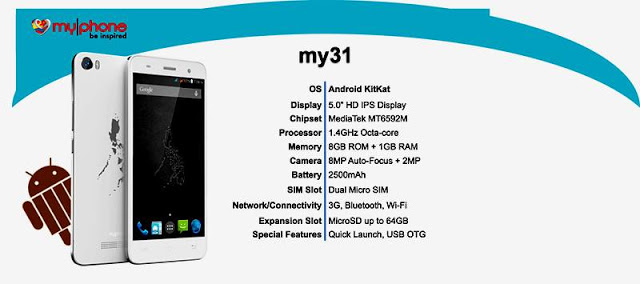
How to root and flash Custom Recovery for MyPhone My 31

How to root and flash Custom Recovery for MyPhone My 31 How to Root Requirements: Kingroot4.1.zip (download and extract) supersu-me-v67 Note: Need internet connection. – Download and Install Kingroot  – Open Kingroot  and tap “Try To Root” – Wait to finished – Reboot phone when done. Replace Kinguser to SuperSU – Download and Install supersu_me > Download Here … Read more

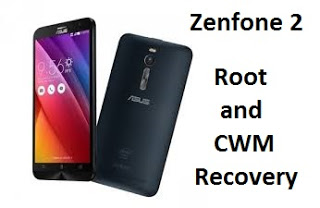
How to root Zenfone 2 in 2 ways and Install Custom Recovery (CWM)

How to root Zenfone 2 in 2 ways and Install Custom Recovery (CWM) Requirements: Download Pre-rooted image from here. Check the model number of your Asus Zenfone 2 and download the pre-rooted image for your model number. To check model number go to Settings > About Phone > Model name.   DRIVER Minimal ADB and Fastboot Tools How … Read more

How to root and install Custom Recovery in Sony Xperia Z2/Z3

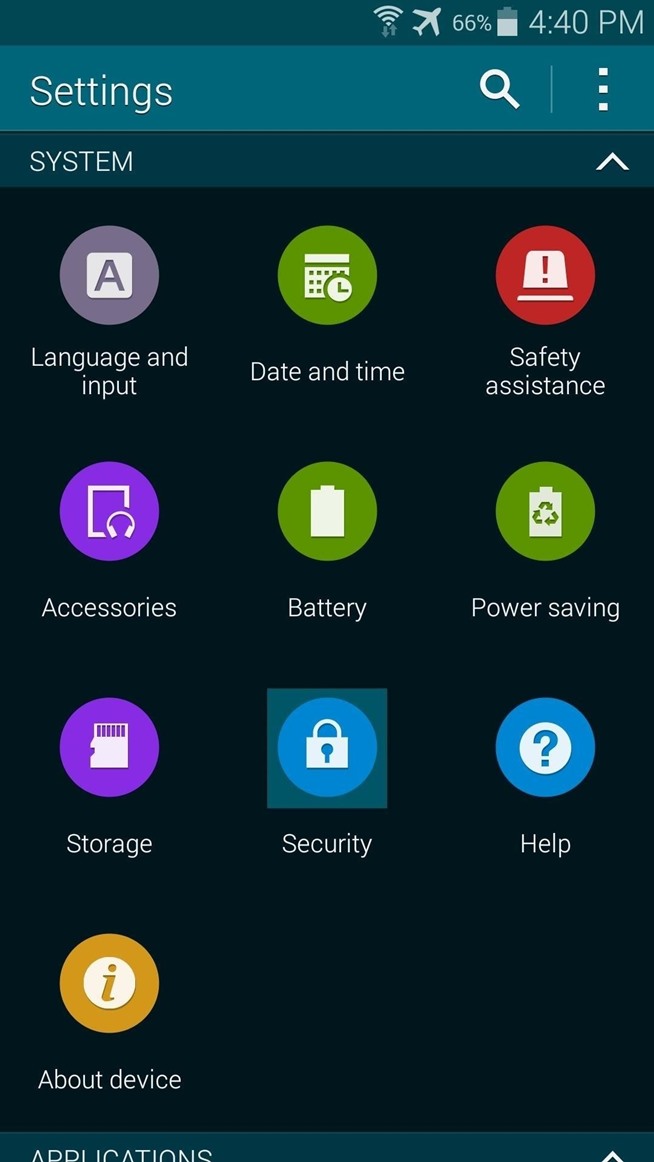
How to root and install Custom Recovery in Sony Xperia  Z2/Z3  Warning: Rooting can void your warranty! Requirements: Download  Root.apk Recovery.apk Busybox.apk SuperSu.zip Procedure:1-) Copy SuperSu.zip in phone memory.2-) Go to Settings >Security > Unknown sources make it open. Enable USB Debugging Just go to Settings > Developer Options > USB debugging make it on. (If developer … Read more

How to root and Install Custom Recovery in Samsung galaxy S5

How to root and Flash Custom Recovery in Samsung galaxy S5 Step 1: Enable Unknown Sources Step 2: Download Towelroot Hotz has made his root exploit app available to all through its website. Just open your Galaxy’s web browser and navigate to towelroot.com. From here, tap the lambda symbol to download the installer file. When the download is … Read more

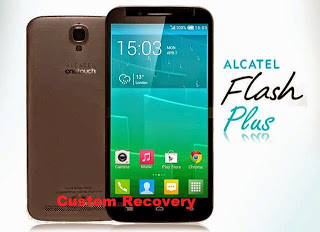
Custom Recovery for Alcatel Flash Plus

Requirements:1. Rooted2. Choose any of this recovery: CWM_afp.imgTWRP 2.8.imgPhilZ_Alcatel_flash_plus.imgCarlivTouch_30_AFP.img(Then rename to recovery.img) 3. Rashr_Tool.apk Procedure:Step 1:Install  rashr_tool.apk Step 2: Move the recovery.img in your SDCARD outside the folder which you can see easily. Step 3: Open Rashr Tools Grant SuperSuClick Recovery from StorageThen choose Recovery.img Click OK Done! Note: pls do not reupload without sharing my blog! Thanks. Special Thanks:Sir carlivYuwengMe … Read more

Custom Recovery for Firefly Intense 64 bit LTE

Requirements:1. Rooted2. Choose any of this recovery:TWRP_2840_Fireflyi64.imgCWM-Fireflyi64.imgPhilZ_Fireflyi64.imgCarlivTouch_30_Firefly_intense_i64.img(Then rename to recovery.img) 3. Rashr_Tool.apk Procedure:Step 1:Install rashr_tool.apk Step 2: Move the recovery.img in your SDCARD outside the folder which you can see easily. Step 3: Open Rashr Tools Grant SuperSuClick Recovery from StorageThen choose Recovery.img Click OK Done! Note: pls do not reupload without sharing my blog! Thanks. Special Thanks:Sir carlivYuwengMe for porting this.

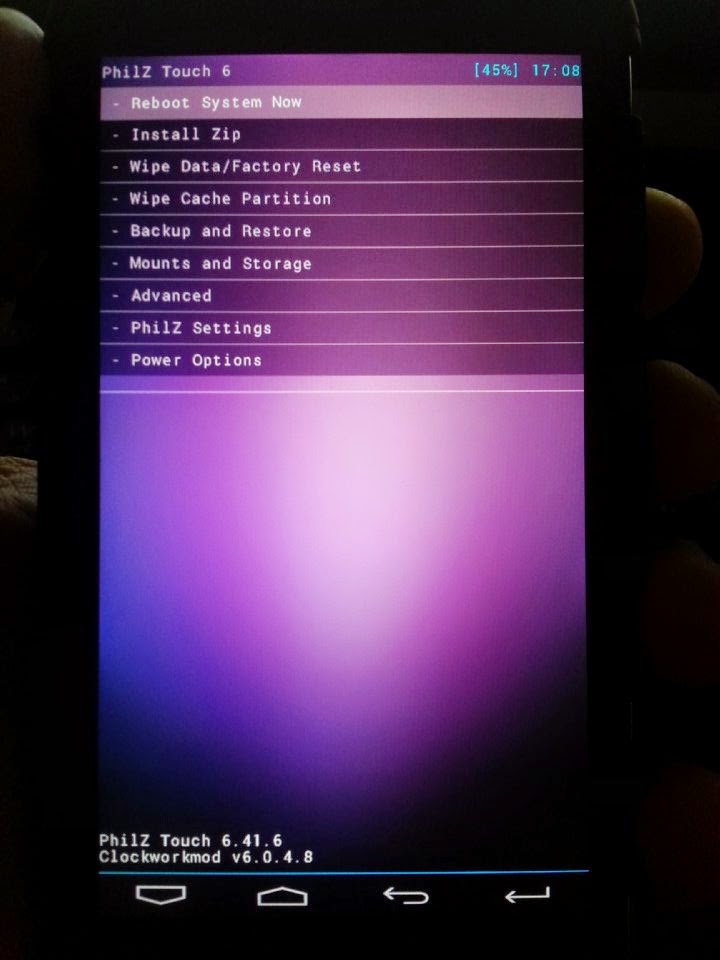
Philz Touch 6 Recovery for SKK LYNX

Flash it with your own RISK!!! I am not resposible for any damage or soft/hard brick will happened to your device! Requirements:Rootedrashr_tool.apkphilz_touch6.2_skk_lynx.img (rename to recovery.img) Procedure:Step 1:Install rashr_tool.apk Step 2: Move the recovery.img in your SDCARD outside the folder which you can see easily. Step 3: Open Rashr Tools Grant SuperSuClick Recovery from StorageThen choose Recovery.img Click OK Done! Enjoy! Please give … Read more