CWM (Custom recovery) For Skk Lynx

Requirements:Rootedrashr_tool.apkrecoverycwm.img (rename to recovery.img) Procedure:Step 1:Install rashr_tool.apk Step 2: Move the recovery.img in your SDCARD outside the folder which you can see easily. Step 3: Open Rashr Tools Grant SuperSuClick Recovery from StorageThen choose Recovery.img Click OK Done! Enjoy! Please give proper credits to me and don’t share it without sharing my blogs! Thank you!

[TUT]How to Flash Via SPFT with images Tutorial for Newbie

How to Flash Via SPFT with images Tutorial for Newbie Hi guys I made a tutorial again for newbie on how to flash via SPFT in any kind of mediatek android device. I hope you can understand easily because I attached images. I used mt6572 for my scatter file  using SPFT v5.13. In order to flash stockrom you need … Read more

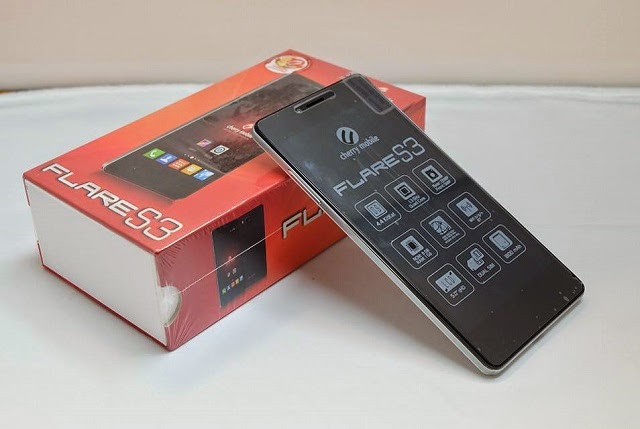
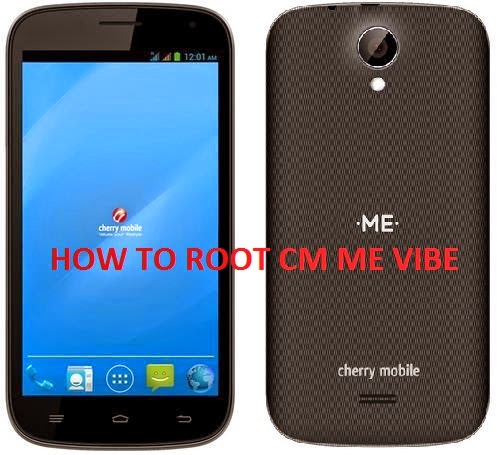
Custom Recovery for Cherry Mobile Me Vibe CWM/TWRP

Requirements:Rooted or Proceed for how to root CM Vibe [CLICKHERE]MobileuncletoolsMe_Vibe_CWM.img (CWM)TWRP2.8.2.0_ME_VIBE_recovery.img (TWRP)  for mobileuncle user 1. download Me_Vibe_CWM.img  orTWRP2.8.2.0_ME_VIBE_recovery.img   rename it to recovery.img 2.  move to  sdcard outside of  those folder  3. download Mobileuncletools 4.  open mobile uncle 5. tap recovery update 6. tap recovery.img under “Recovery File in SDCARD” 7.  tap yes or ok ” are you sure to … Read more

[STOCK ROM] for Equinox Night flash via SPFT

FLASHING WHOLE STOCK ROM this will reset everything except the files in your SD card! what will be erased includes your recovery, your data files, your custom partitions, your custom system (rom) Requirements:PCUSB CABLE Mediatek Driver SP_Flash_Tool_v5.1352.01.rarorSP_Flash_Tool_v5.1424.00.rar Download Stock Rom: CMEquinox_Night I am not resposible for any damage or soft/hard brick will happened to your device! … Read more

Updated Recovery[CTR 3.0] for MyPhone Agua Rio V2 Kitkat

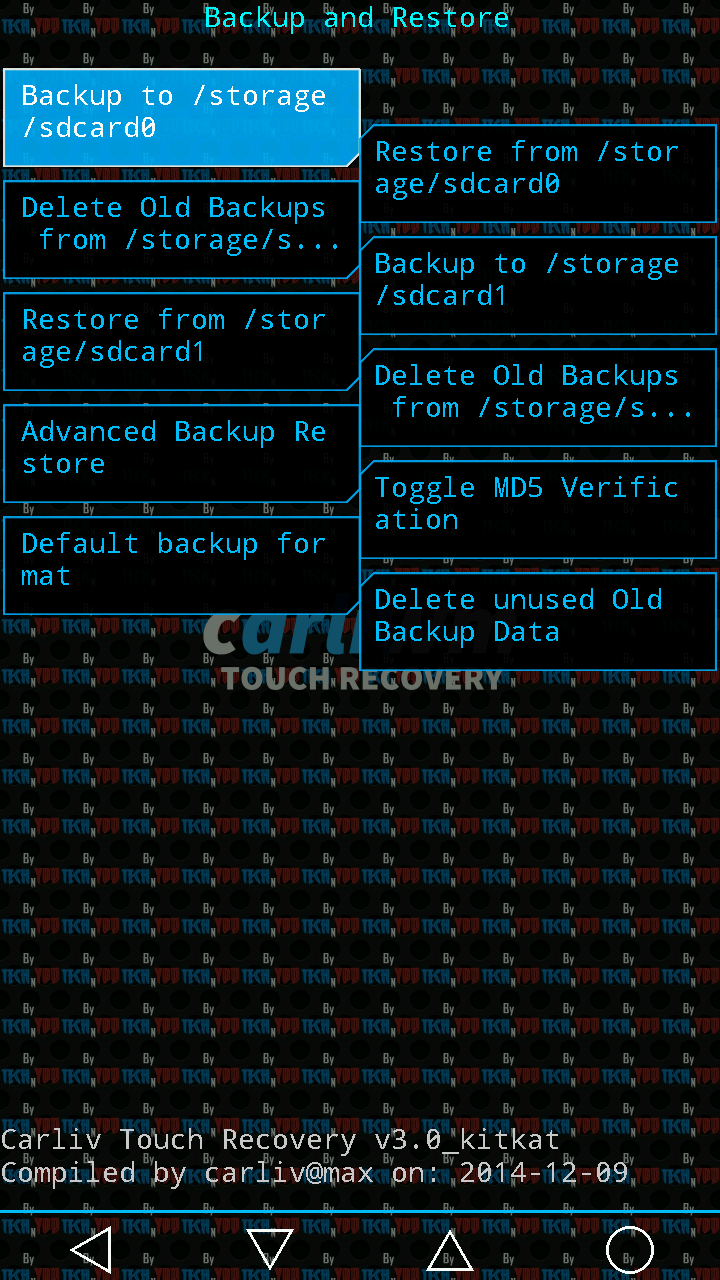
Requirements:RootedMobileUncleTools.apk Recovery.img Note: Rename recovery_CTR_30_MyPhoneAguaRio.img to recovery.img Procedure: Step 1:Install MobileUncleTools.apk Step 2: Move the recovery.img in your SDCARD outside the folder which you can see easily. Step 3: Open Mobile Uncle Tools Grant SuperSu Click Recovery Update Then choose Recovery.img Click OK Enjoy! You can now back up your Myphone Agua Rio V2 Kitkat.. Credit:Carliv of xda for programme for porting … Read more

Updated CTR 2.7 in Myphone Agua Rain 2G to create backup in CWM

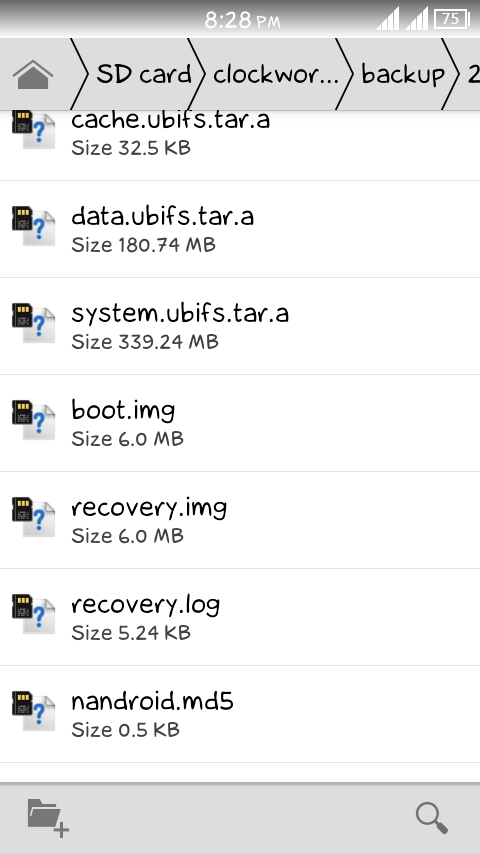
Updated CTR 2.7 in Myphone Agua Rain 2G to create backup in CWM Requirements:Rooted Download Link : Carliv_2.7_v1.22.imgFlash         via         mobile uncle tools. Rename  Carliv_2.7_v1.22.img to recovery.img Procedure:Step 1:Install Mobile Uncle ToolsStep 2: Move the recovery.img in your SDCARD outside the folder which you can see easily.Step 3: Open Mobile Uncle Tools Grant SuperSuClick Recovery … Read more

Updated CTR to Myphone Rio Fun Kitkat

Sorry guys but still have bug in Mounting CACHE but just ignore it..All features are work properly like Mounting in system,data,backup and Partitioning, When I’m done I will release soon the update version Requirements:Rooted MobileUncle ToolsFor v1.08Recovery.img (4shared) Recovery.img  (mediafire)For v1.09recovery_riofun_kk_v1.09(rename to recovery.img)Note: Check your custom build version to find out your version v1.08 or v1.09 Step … Read more