
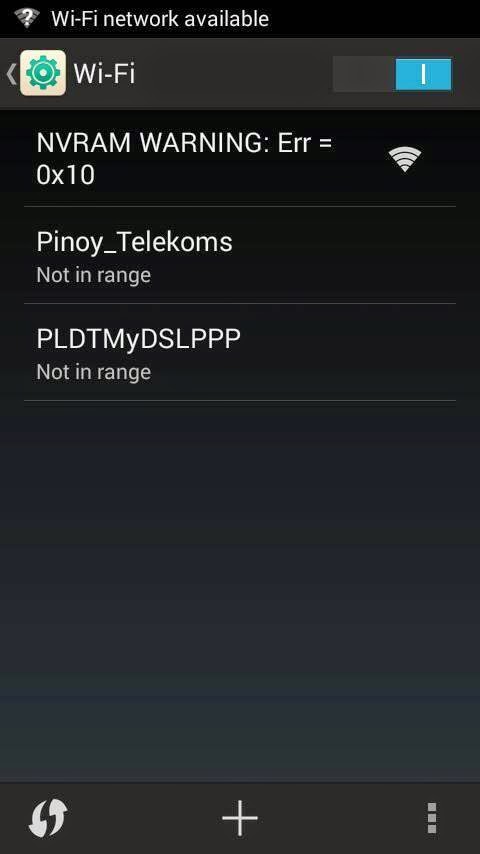
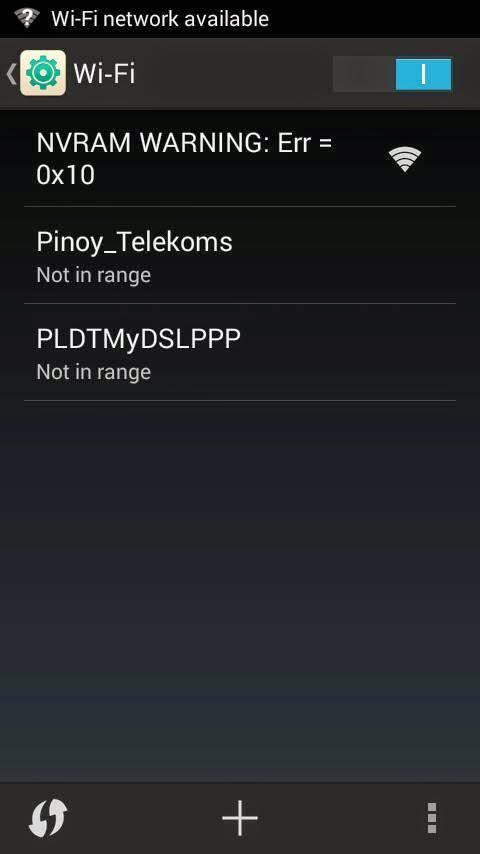
Tutorial on how to Fix NVRAM Warrning Error Solution
Requirements:
Rooted MTK device
RootExplorer.apk
Wifi_Fix_Error.rar
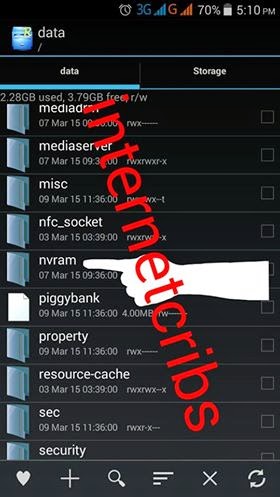
Download and Install RootExplorer.apk open rootexplorer
Then navigate to File system root/data/nvram/APCFG/APRDEB
There you will found to files named 1) WIFI , 2) WIFI_CUSTOM just simply delete these files
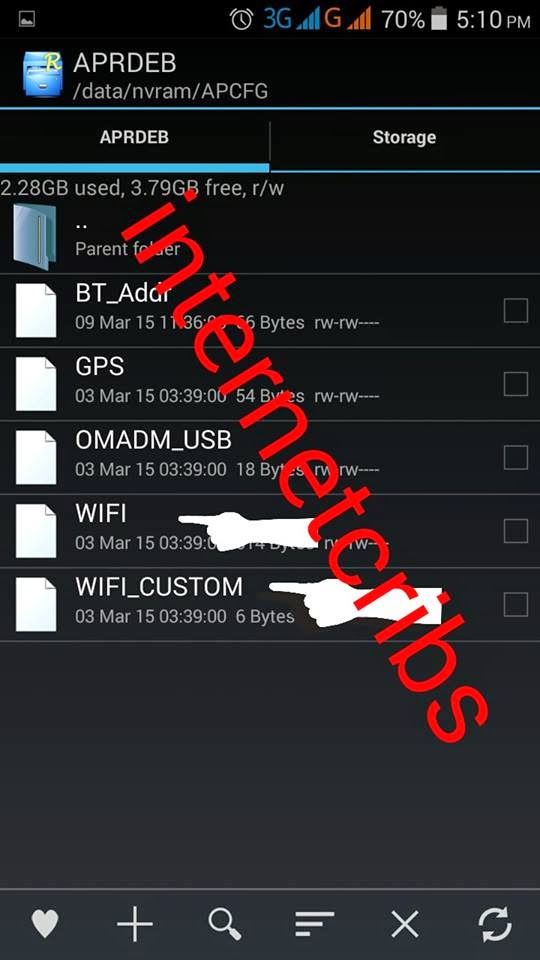
Now extract the files from the Wifi_Fix_Error.rar and move the extracted files to the previous (root/data/nvram/APCFG/APRDEB) folder.
After this process complete You need to reboot your device. Now go to the wifi adapter setting and you will find the message of NVRAM Error Warning is gone…
Credits:
xda