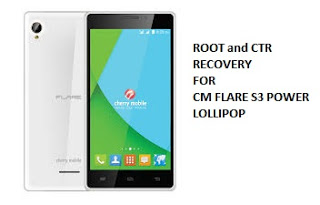
How to root CM Flare S3 Power Lollipop and Install Custom Recovery

How to root CM Flare S3 Power Lollipop and Install Custom Recovery Preparations:============================ Download all:USB driver Driver_Auto_Installer orPdaNet+ v4.18 SP_Flash_Tool_v5.1516.00Carliv_Root Stock Recovery BETA-SuperSU-v2.52.zipUPDATE:TWRP (rename into recovery.img)WARNING: Do NOT Connect Phone to PC   Turn Off Antivirus Protection Temporarily =================================Installation Instructions:================================= A. Driver_Auto_Installer1. Extract Driver_Auto_Installer2. Right Click Install.bat and Run as Administrator3. upon installation,there will be a prompt. click Install right awayDONE!!! B. PdaNet+1. Right Click PdaNetA4180.zip and Click Extract All…. then … Read more
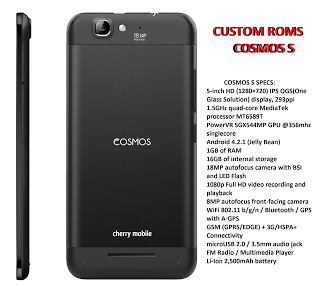
How to root and flash custom recovery for Cherry Mobile Cosmos S

How to root and flash custom recovery for Cherry Mobile Cosmos S Warning: Rooting can void your warranty! Do it at your own risk! Requirements: Cosmos S internet/data/wifi Kingroot4.1.zip (download and extract) Procedure: First of all download full APK file of kingroot. If you use your computer to download the file, then you need to transfer … Read more

[UPDATED] CTR 3.0 for Firefly Intense i64

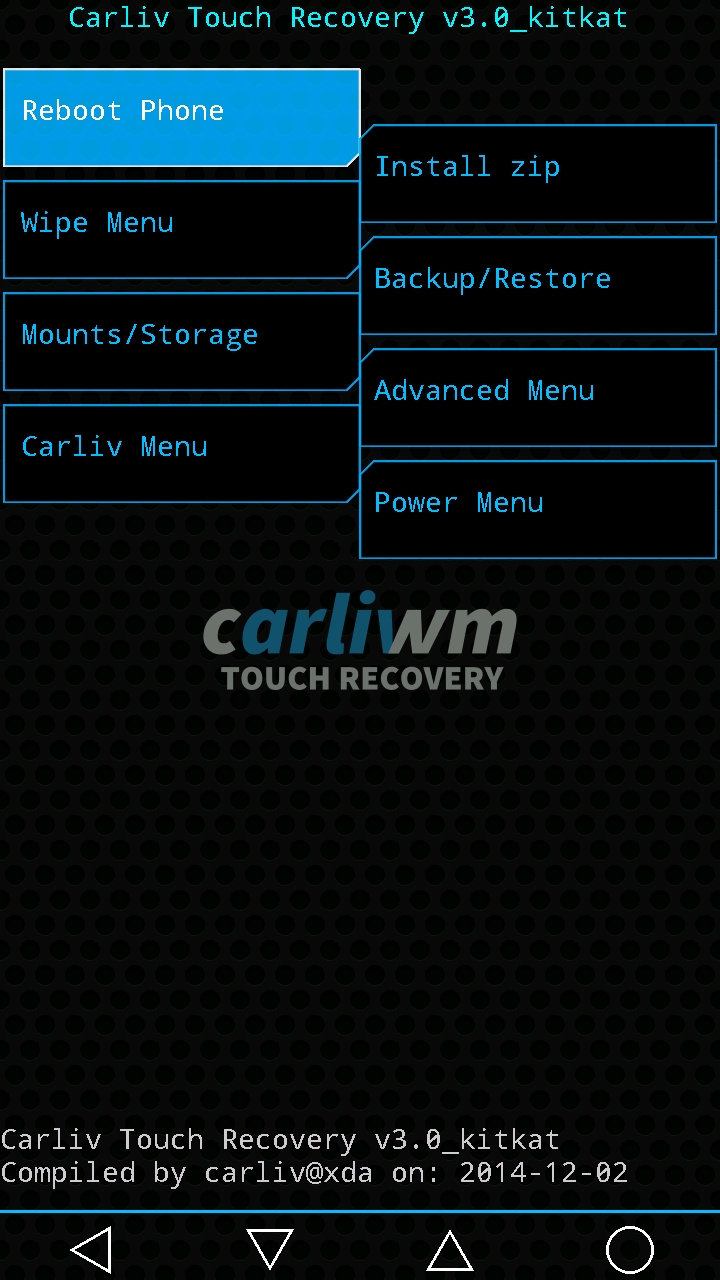
Requirements:Rootedrashr_tool.apkrecovery_CarlivTouch_30_Firefly_intense_i64.img (rename to recovery.img) Procedure:Step 1:Install rashr_tool.apk Step 2: Move the recovery.img in your SDCARD outside the folder which you can see easily. Step 3: Open Rashr Tools Grant SuperSuClick Recovery from StorageThen choose Recovery.img Click OK Done! What’s new? Version 3.0 first release (11-dec-2014):– based on cwm (cwm 6.0.5.1) and added improvements on top.– bottom virtual navigation keys, to compensate the … Read more

Cherry Mobile Razor Blade CTR2.7(Custom Recovey)

Cherry Mobile Razor Blade CTR2.7(Custom Recovey) Requirements:Rootedrashr_tool.apk ctr2.7_cm_razor_blade_ported_by_jaydee.img (rename to recovery.img) Procedure:Step 1:Install rashr_tool.apk Step 2: Move the recovery.img in your SDCARD outside the folder which you can see easily. Step 3: Open Rashr Tools Grant SuperSuClick Recovery from StorageThen choose Recovery.img Click OK Done! Enjoy! Credits:Carliv xdaMe for portingPlease give proper credits to me and don’t share it without sharing my … Read more

[UPDATED] CTR 3.0 SKK _LYNX

[UPDATED] CTR 3.0 SKK _LYNX OCTA Requirements:Rootedrashr_tool.apkrecovery_ctr3.0_skk_lynx.img (rename to recovery.img) Procedure:Step 1:Install rashr_tool.apk Step 2: Move the recovery.img in your SDCARD outside the folder which you can see easily. Step 3: Open Rashr Tools Grant SuperSuClick Recovery from StorageThen choose Recovery.img Click OK Done! Work’s well in my SKKLYNX both internal and sdcard backup and restore.. What’s new? Version 3.0 first release … Read more

CTR 2.7 CM FLARE S3 OCTACORE

Requirements:Rootedrashr_tool.apkcms3ctr2.7.img (rename to recovery.img) Procedure:Step 1:Install rashr_tool.apk Step 2: Move the recovery.img in your SDCARD outside the folder which you can see easily. Step 3: Open Rashr Tools Grant SuperSuClick Recovery from StorageThen choose Recovery.img Click OK Done! Enjoy! Please give proper credits to me and don’t share it without sharing my blogs! Thank you!

CTR 2.7 for SKK LYNX

Custom Recovery for SKK Lynx Octa Requirements:Rootedrashr_tool.apkskklynx2.7ctr.img (rename to recovery.img) Procedure:Step 1:Install rashr_tool.apk Step 2: Move the recovery.img in your SDCARD outside the folder which you can see easily. Step 3: Open Rashr Tools Grant SuperSuClick Recovery from StorageThen choose Recovery.img Click OK Done! Enjoy! Credits:carliv xdaPlease give proper credits to me and don’t share it without sharing my blogs! Thank you!

Updated Recovery[CTR 3.0] for MyPhone Agua Rio V2 Kitkat

Requirements:RootedMobileUncleTools.apk Recovery.img Note: Rename recovery_CTR_30_MyPhoneAguaRio.img to recovery.img Procedure: Step 1:Install MobileUncleTools.apk Step 2: Move the recovery.img in your SDCARD outside the folder which you can see easily. Step 3: Open Mobile Uncle Tools Grant SuperSu Click Recovery Update Then choose Recovery.img Click OK Enjoy! You can now back up your Myphone Agua Rio V2 Kitkat.. Credit:Carliv of xda for programme for porting … Read more

Updated CTR 2.7 in Myphone Agua Rain 2G to create backup in CWM

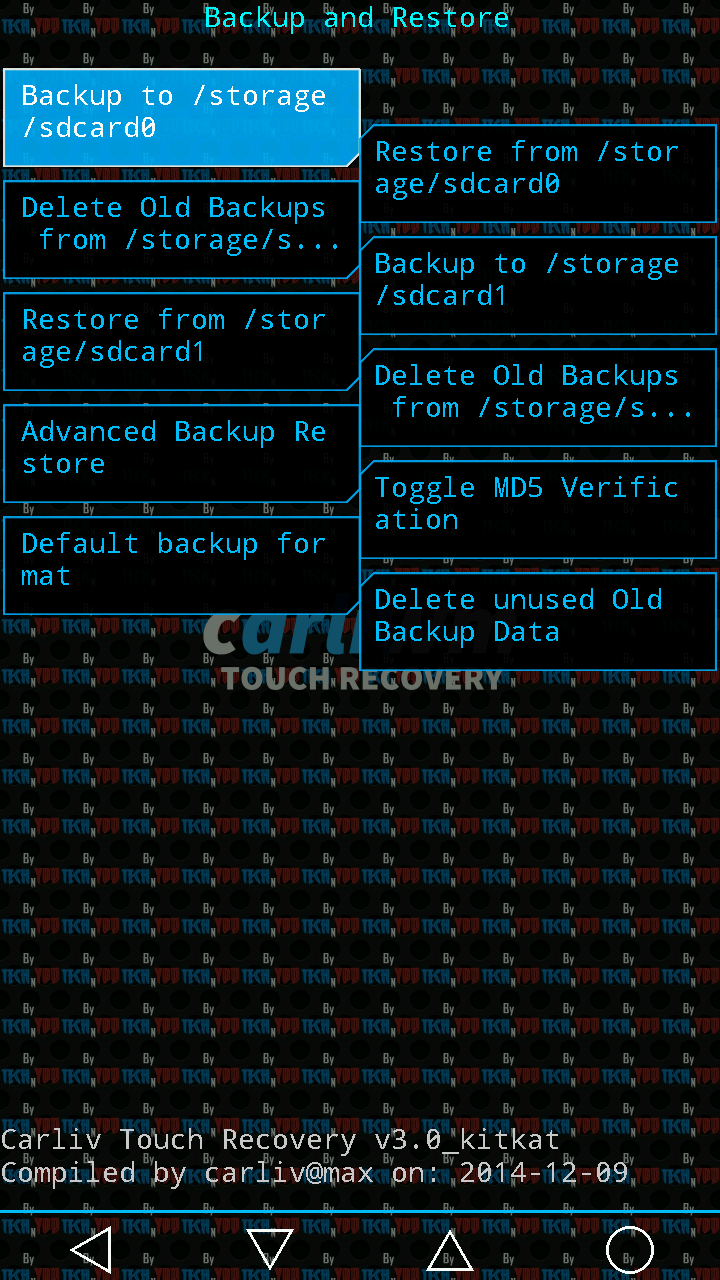
Updated CTR 2.7 in Myphone Agua Rain 2G to create backup in CWM Requirements:Rooted Download Link : Carliv_2.7_v1.22.imgFlash         via         mobile uncle tools. Rename  Carliv_2.7_v1.22.img to recovery.img Procedure:Step 1:Install Mobile Uncle ToolsStep 2: Move the recovery.img in your SDCARD outside the folder which you can see easily.Step 3: Open Mobile Uncle Tools Grant SuperSuClick Recovery … Read more

Updated CTR to Myphone Rio Fun Kitkat

Sorry guys but still have bug in Mounting CACHE but just ignore it..All features are work properly like Mounting in system,data,backup and Partitioning, When I’m done I will release soon the update version Requirements:Rooted MobileUncle ToolsFor v1.08Recovery.img (4shared) Recovery.img  (mediafire)For v1.09recovery_riofun_kk_v1.09(rename to recovery.img)Note: Check your custom build version to find out your version v1.08 or v1.09 Step … Read more