
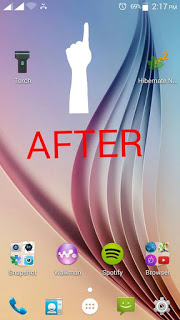
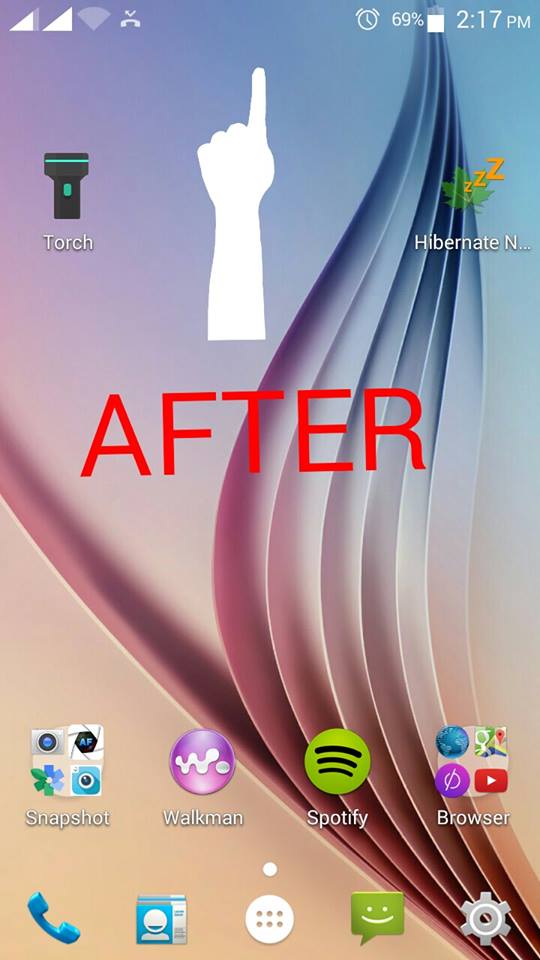
Some of you want to change Status Bar Icon like the image above. It’s cool and feel like your in android lollipop UI. This is simple and easy you don’t need knowledge in modding to do this. I’m sure you will love it. Don’t worry this is safe application but before you proceed make sure you have backup.
Note: I’m not liable anything happen in your devices. Do it at your own risk!
Requirements:
Rooted
Procedure:
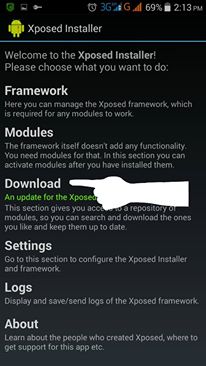
Step 1. Download and Install Xposed Installer. Then Go to Framework Install/Update. Tap Soft Reboot. After setting up xposed Installer. Navigate to Download as you can see below.
Step 2. Search “flat style bar indicators”. Then click it when appear.
Note: Make sure you have internet access to download it.

Step 3. After you click Flat Style Bar Indicators, Just tap Download.

Step 4. After you download. Go to main menu of xposed installer then Tap Modules to activate it just apply check. Then Soft reboot.

As you can see after rebooting the status bar change like in this image below.
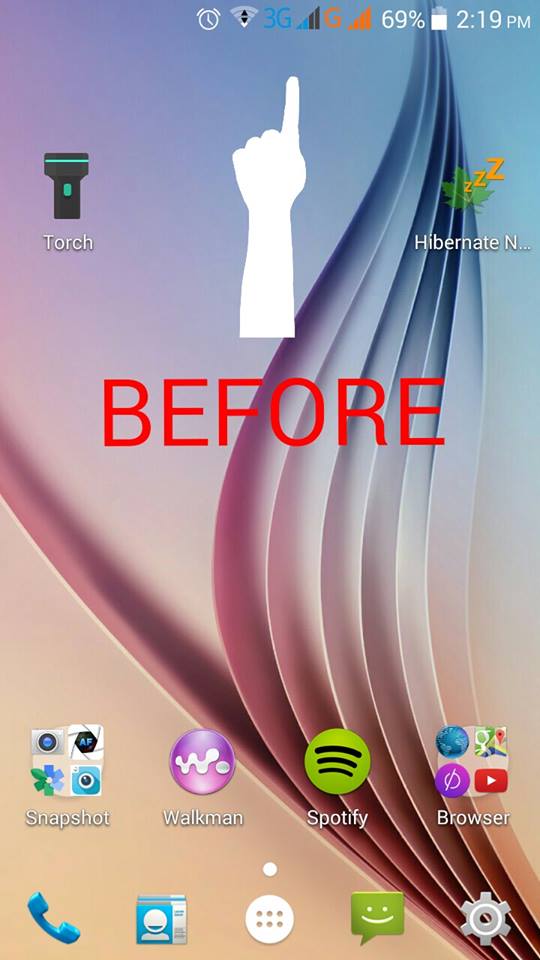
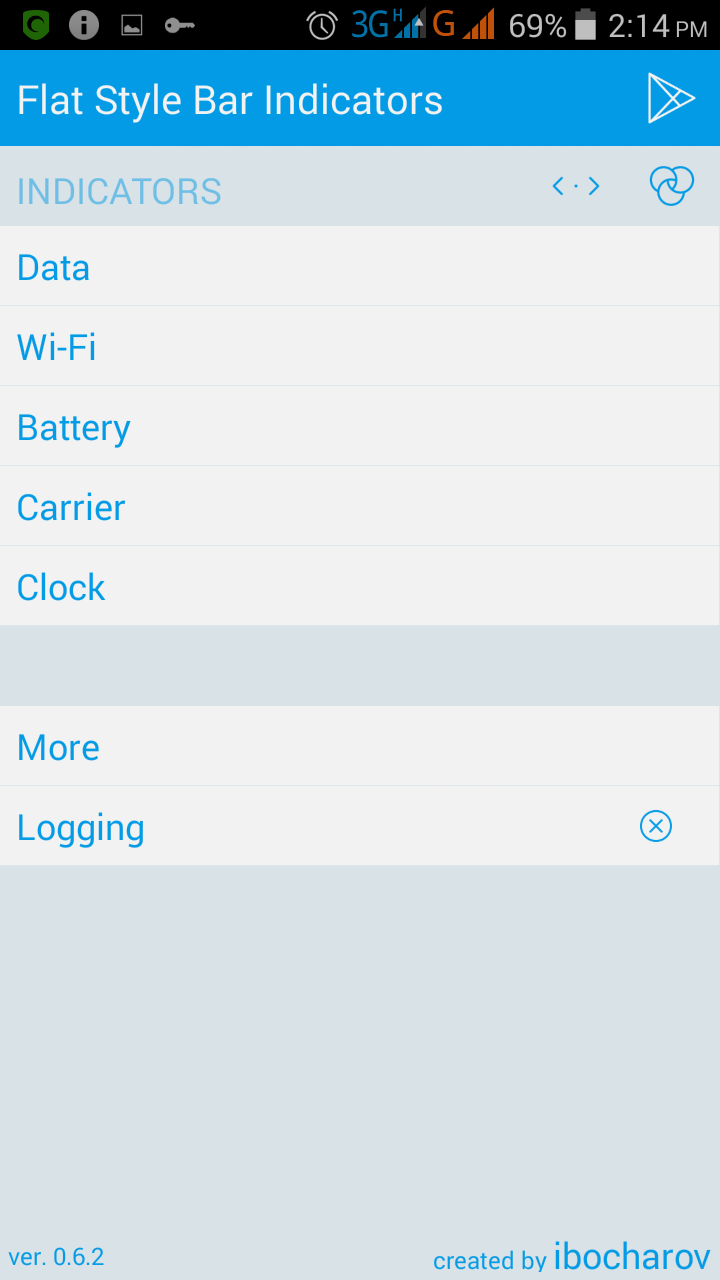
You can choose any style you want. You can edit your icon of Data, Wifi, Battery, Carrier and also Clock. Enjoy!

Noted: This work in my Android Phone with Android version Jellybean and Kitkat. I’m nto sure if sure in upcoming new version.
Credits:
ibocharov
XDA