
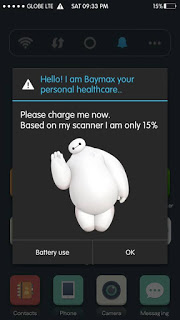
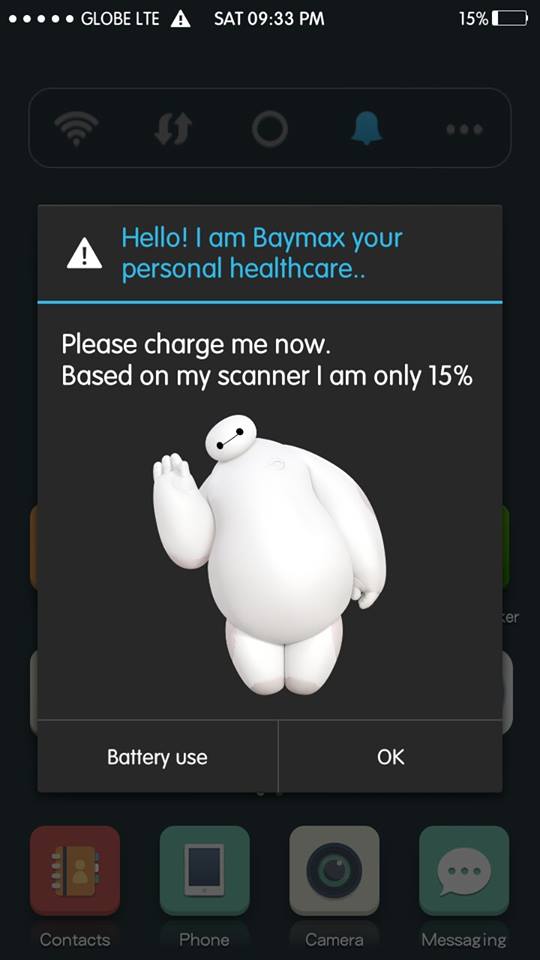
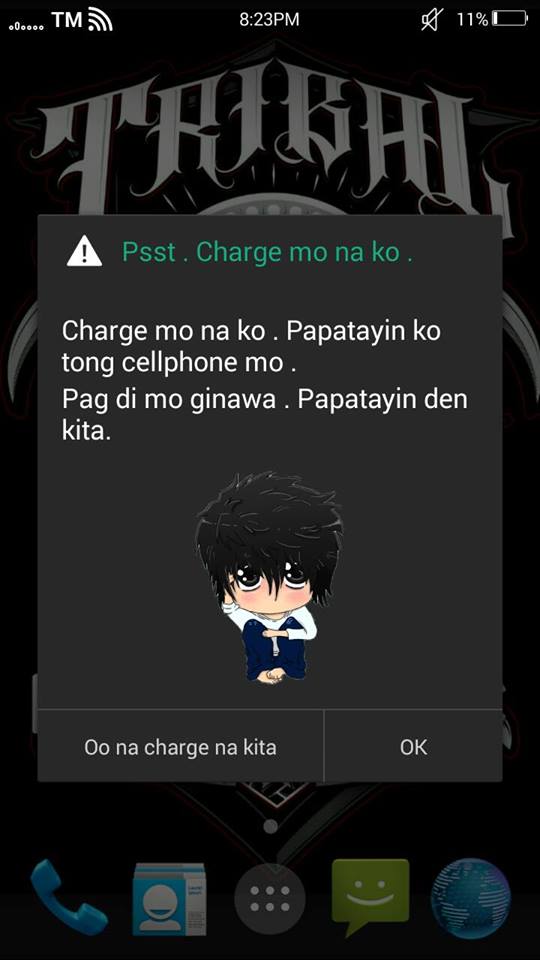
This is one awesome tools you can edit your notifications messages, change icons and themes anything you want. Perhaps I will teach you on how to edit Battery Warning Notifications Messages.
But before you proceed make a backup. Then follow my instructions carefully!.
Note: I’m not liable if anything happen in your devices. Do it at your own risk!
Rooted
Step 1: Download and Install Resflux.

2: Download and Install Xposed Installer. Setup first Tap Framework. Tap Install/Update then Soft Reboot.

3. Open Xposed Installer Tap Modules. Apply Check in Resflux [1.6] then Reboot.


5. Navigate SystemUI
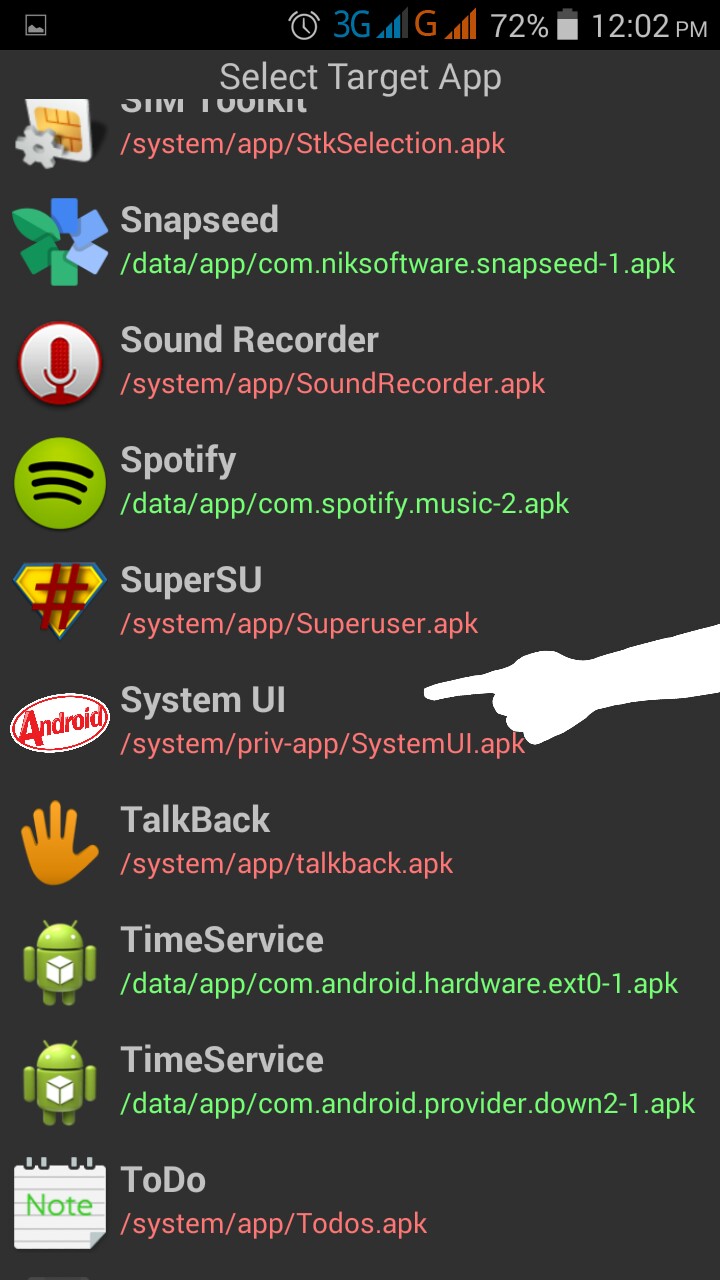
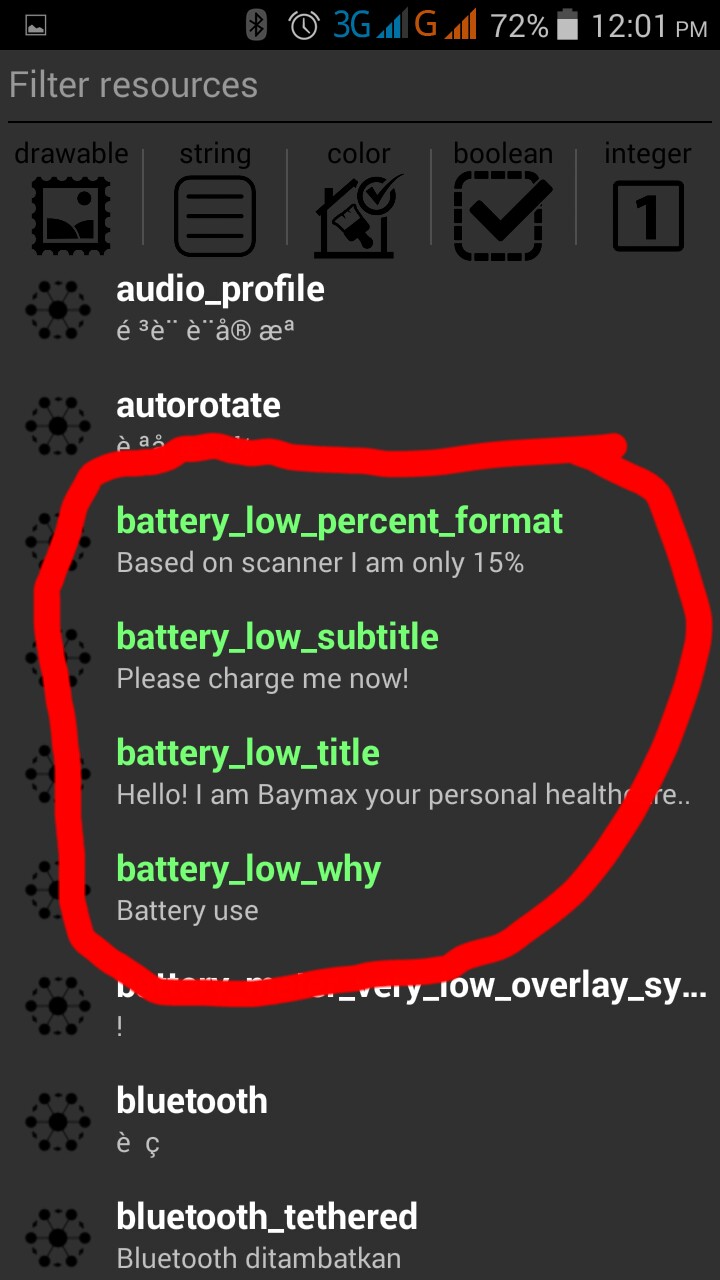
6. Tap string and find this:
battery_low_percent_format
battery_low_subtitle
battery_low_title
battery_low_why
then edit anything you want…
7. Change battery icon and make sure the images in .PNG format. Then Reboot!

Credits:
Wisdomsky of XDA

Special Thanks:
Mark Carandang for this tutorial..