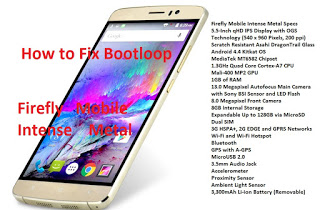
How to fix bootloop in Firefly Mobile Intense Metal via SPFT

How to fix bootloop in Firefly Mobile Intense Metal  via SPFT This tutorial is able to help you oh how to fix bootloop and hardbrick in Firefly Mobile Intense Metal.In case you don’t have backup and installed custom recovery you can proceed in this procedure. Requirements: PC USB Cable Download Links:Mediatek VCOM Drivers SP Flash Tool … Read more

[TUT] How to Setup Cygwin and Android Kitchen on Windows

How to Setup Android Kitchen This tutorial help you how to setup Android Kitchen and to install cygwin on Windows. Requirements :Java SE developement kitCygwin Android Kitchen Procedure: 1. Download and extract the Cygwin and open the extracted folder. In this folder you will find another folder named ” cygwin_packages “. Copy this folder to Drive ” C ” of your PC. 2. Then … Read more

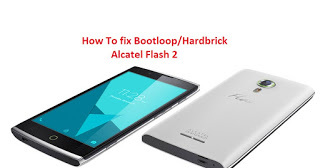
How to fix bootloop in Alcatel Flash 2 included Stock Rom flash via SPFT

How to fix bootloop in Alcatel Flash 2 included Stock Rom flash via SPFT This tutorial is able to help you oh how to fix bootloop and hardbrick in Alcatel Flash 2. In case you don’t have backup and installed custom recovery you can proceed in this procedure. Requirements: PC USB Cable Download Links:Mediatek VCOM Drivers … Read more

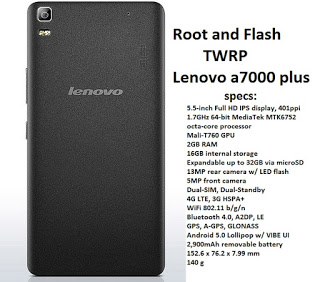
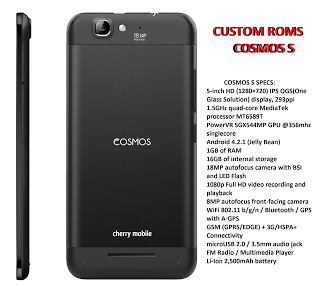
How to root and flash custom recovery for Cherry Mobile Cosmos S

How to root and flash custom recovery for Cherry Mobile Cosmos S Warning: Rooting can void your warranty! Do it at your own risk! Requirements: Cosmos S internet/data/wifi Kingroot4.1.zip (download and extract) Procedure: First of all download full APK file of kingroot. If you use your computer to download the file, then you need to transfer … Read more

[UPDATED] Materialized TWRP for Alcatel Flash 2

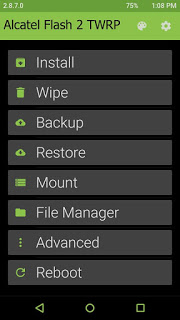
[UPDATED] Materialized TWRP for Alcatel Flash 2 What’s New?– Change to Material UI.– Fixed backup error when stock rom is too large.– Update kernel to V3.1 rom.Requirements:Rooted for rooting proceed hereflash2_twrp_v2.zipFlashify_1.9.1.apk Procedure: Step 1:Install Flashify_1.9.1.apk Step 2: Move the recovery.img in your SDCARD outside the folder which you can see easily. Step 3: Open Flashify Grant SuperSu Click Recovery … Read more