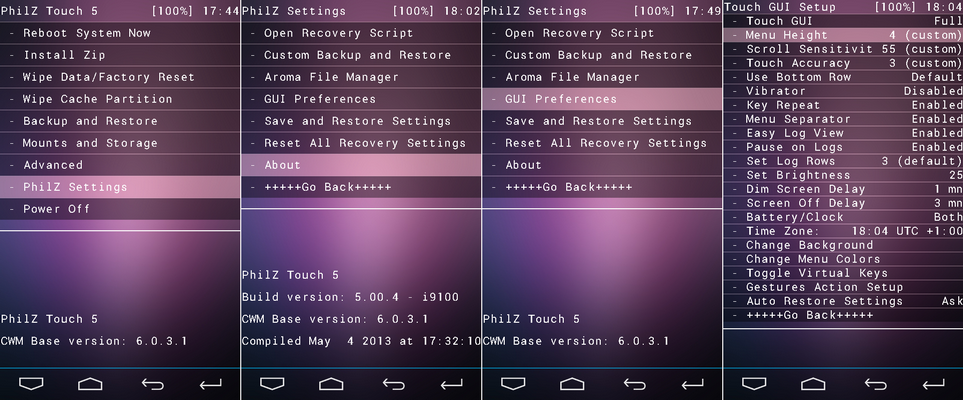
TWRP 2.8 for FLARE S3 OCTACORE

Flash it with your own RISK!!! I am not resposible for any damage or soft/hard brick will happened to your device! Requirements:Rootedrashr_tool.apktwrp2.8_fs3_octa.img (rename to recovery.img) Procedure:Step 1:Install rashr_tool.apk Step 2: Move the recovery.img in your SDCARD outside the folder which you can see easily. Step 3: Open Rashr Tools Grant SuperSuClick Recovery from StorageThen choose Recovery.img Click OK Done! Enjoy! Please give … Read more
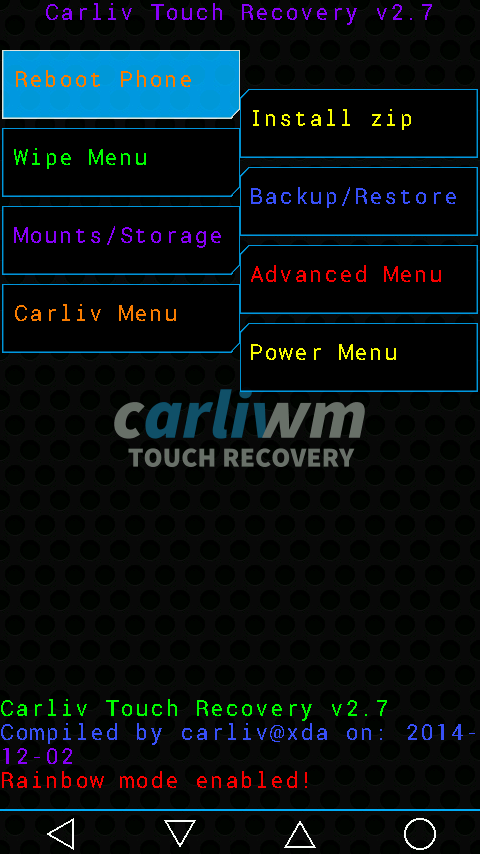
CTR 2.7 CM FLARE S3 OCTACORE

Requirements:Rootedrashr_tool.apkcms3ctr2.7.img (rename to recovery.img) Procedure:Step 1:Install rashr_tool.apk Step 2: Move the recovery.img in your SDCARD outside the folder which you can see easily. Step 3: Open Rashr Tools Grant SuperSuClick Recovery from StorageThen choose Recovery.img Click OK Done! Enjoy! Please give proper credits to me and don’t share it without sharing my blogs! Thank you!

CWM (Custom Recovery) For CM Flares S3 Octacore (kitkat)

CWM (Custom Recovery) For CM Flares S3 Octacore (kitkat) Requirements:Rootedrashr_tool.apkcmoctacorerecovery.img (rename to recovery.img) Procedure:Step 1:Install rashr_tool.apk Step 2: Move the recovery.img in your SDCARD outside the folder which you can see easily. Step 3: Open Rashr Tools Grant SuperSuClick Recovery from StorageThen choose Recovery.img Click OK Done! Enjoy!

Custom Recovery for Cherry Mobile Cosmos One using PhilZ Touch v6.57.9

Requirements:RootedMobileUncleTools.apk Recovery.img Note: Rename  C1_PhilZ_6.57.9_Ported_by_Jhommark to recovery.img Procedure: Step 1:Install MobileUncleTools.apk Step 2: Move the recovery.img in your SDCARD outside the folder which you can see easily. Step 3: Open Mobile Uncle Tools Grant SuperSu Click Recovery Update Then choose Recovery.img Click OK Enjoy! You can now back up your Cosmos One.. Credit:Philz of xda for programJhommark for porting