
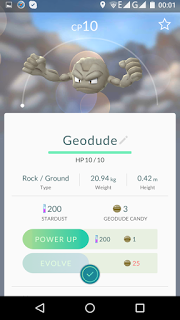


Requirements:
ROOTED PHONE
Pokemon GO
Lucky Patcher
Busy Box
Fake GPS Spoofer PRO
1. Download all the requirements above.
2. Install Busy Box then Click Install (not smart install).
3. Download and install the Lucky Patcher
4. Download the Fake GPS Location Spoofer. (without installing) (remember the location of the file)
5. Run Lucky Patcher. Allow applications if ask root permissions.
6. At the bottom of lucky patcher, Go to the last tab (Rebuild & install).

Next, we find the previously downloaded apk file for the Fake GPS Location Spoofer. Click on it and select “INSTALL AS SYSTEM APPLICATION“. Wait to install and reboot.
7. Next you need to set up Fake GPS. Run it, and go into the settings.
Check EXPERT MODE (without the program does not work)

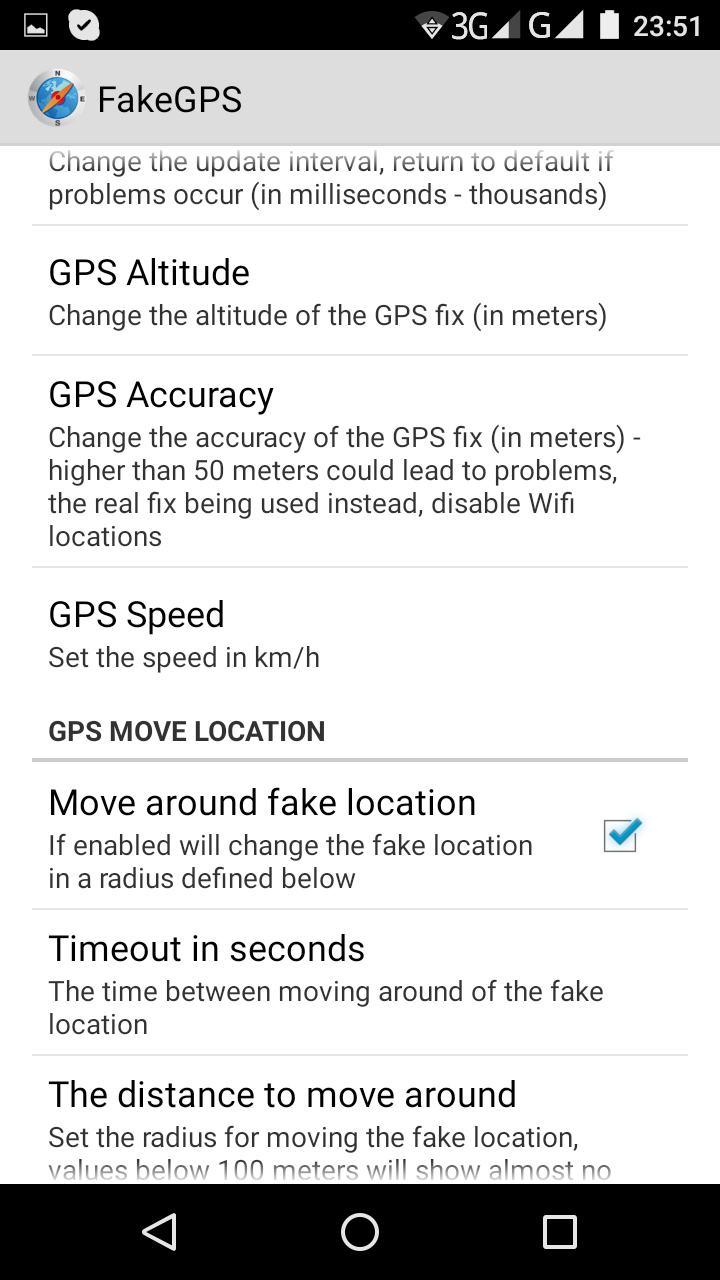
8. Check Move Around Fake Location
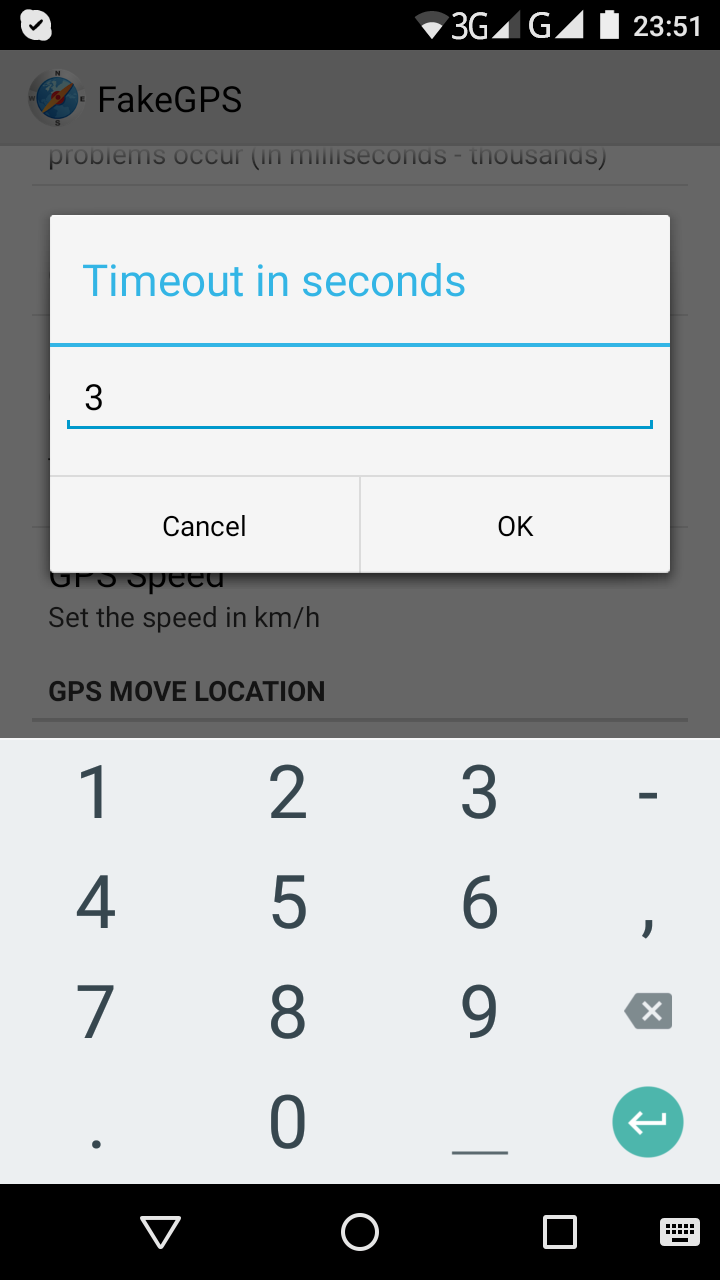
9. Timeout in Seconds select no. 3
10. The distance to move around select: 50

11. In your Fake GPS Spoofer, Search “Melbourne” then explore any of the place then tap the location you want.

12. Click the Orange Circle to run.

13. If u want to change the location just Double-Tap on the Spoofer Map.
14. Run now the Pokemon Go. Enjoy!
Explore the city and catch any Pokemon you want.
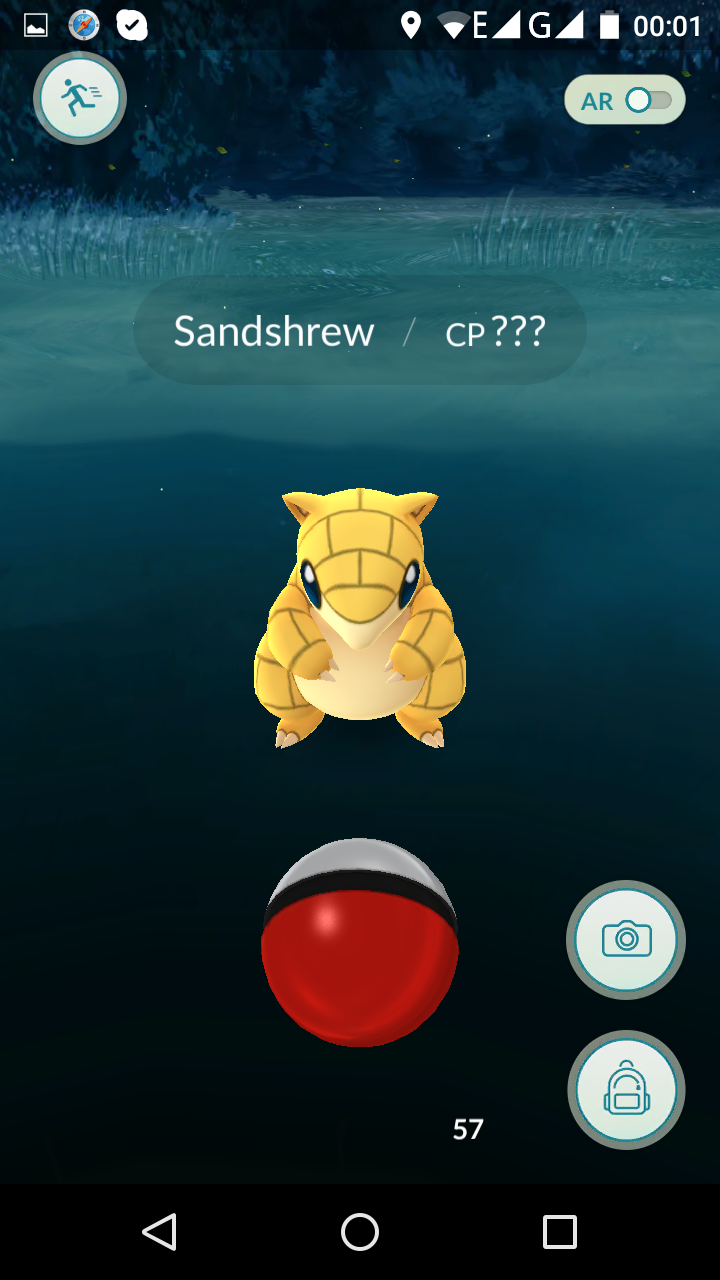
Just tap the ball towards the animal. Make it center and bulls eye the target to get the Pokemon.

