
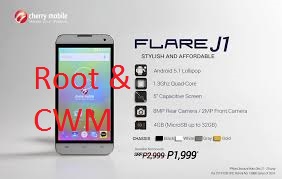
How to Root Cherry Mobile Flare J1 and Install CWM recovery
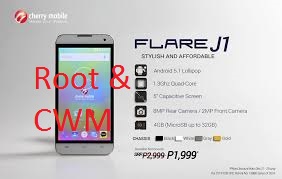
Cherry Mobile Flare J1 Specifications
5″ FWVGA Display, 854×480, 196ppi
Android 5.1 Lollipop
1.3GHz Quad Core Processor
SC7731/SC8830 Spreadtrum Chipset
Mali-400MP GPU
4GB ROM
512MB RAM
2000mAh Non-removable Li-ion Battery
8MP Rear Camera with LED flash
2MP Front Camera
Expandable via MicroSD up to 32GB
Dual Regular SIM/Dual Standby
3G HSPA+, 2G EDGE and GPRS Networks
Wi-Fi and Wi-Fi Hotspot
Bluetooth 2.1
Android 5.1 Lollipop
1.3GHz Quad Core Processor
SC7731/SC8830 Spreadtrum Chipset
Mali-400MP GPU
4GB ROM
512MB RAM
2000mAh Non-removable Li-ion Battery
8MP Rear Camera with LED flash
2MP Front Camera
Expandable via MicroSD up to 32GB
Dual Regular SIM/Dual Standby
3G HSPA+, 2G EDGE and GPRS Networks
Wi-Fi and Wi-Fi Hotspot
Bluetooth 2.1
I- ROOTING
1. Download and extract Kingroot4.1.zip
2. Open the app. Tap the Green Circle Button.
3. Wait until the progress finishes up to 100 %.
4. If rooting is successful, restart your phone.
5. Look for Kinguser app on your app drawer. To check if you are succesfully rooted, install Root Checker app.
II – INSTALLING CWM RECOVERY
Requirements:
Download all:
3.rooted phone
========================================================================
========================================================================
Procedure:
1. download all required files and put it in your sd card.
2. download flashify then open if root permission is asked grant it.
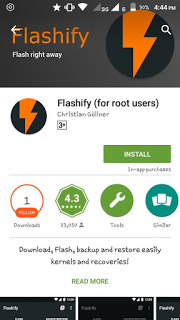

3. choose recovery to flash and locate the recovery.img.
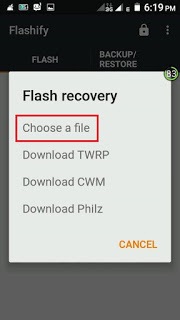
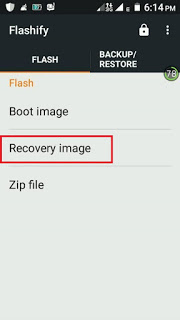


4. wait for the flashify to finish flashing it then reboot.
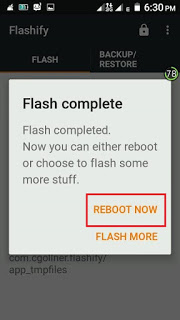
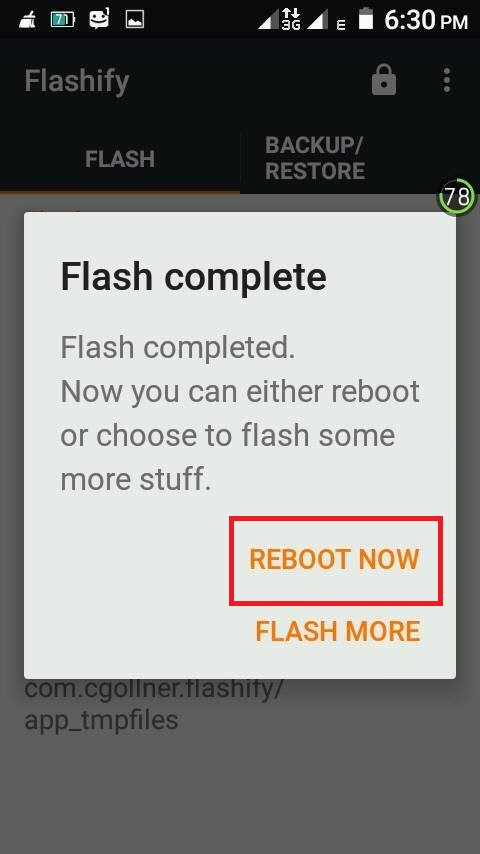
5. You can backup your device now!.. Enjoy!
========================================================================
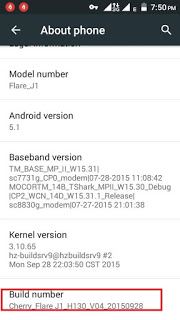
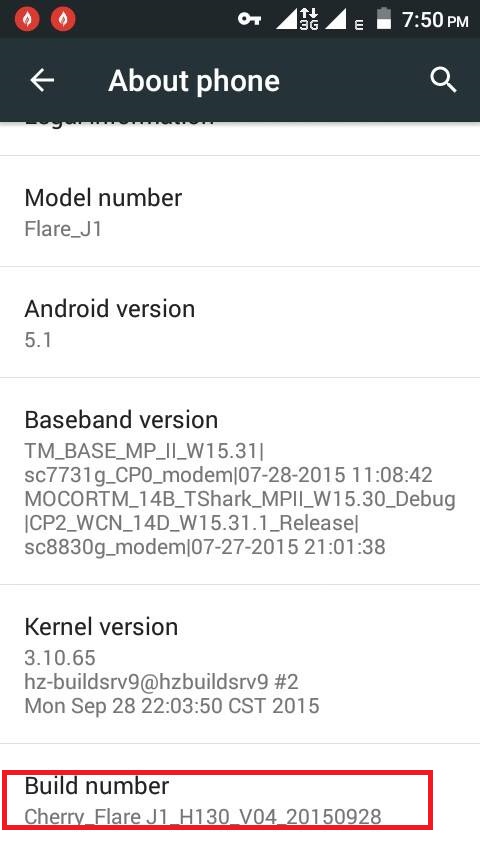
Note: This CWM works in CM Flare J1 V4 only. To determine check your settings in about phone. Like in image shown below..
Credits:
Rafael Broas
https://androidcrib.com
Kingroot
CM Flare J1 group