
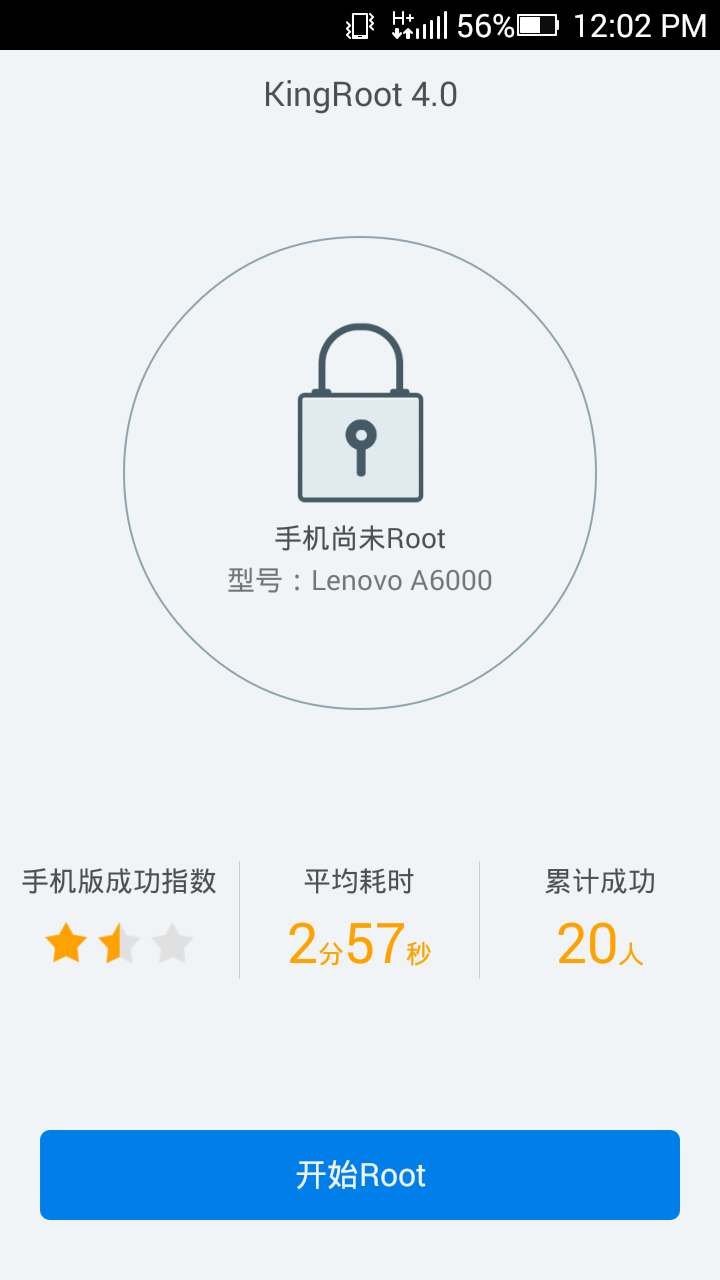
How to Root Lenovo A6000 (kitkat)
Warning: Rooting can void your warranty! Do it at your own risk!
Requirements:
Lenovo A6000 (kitkat)
1.Click Root: KingRoot allows you to root your Android Device in a click. Simply, Download and install the application on your device > Open > Tap on Big Green Root Button > Rooted.
2. Comes as APK Application: KingRoot is a APK Application and it doesnt need any computer to get rooted. Simply Download the App and install it like you do with other Android Apps.
Note:
Do not update your device or unroot first if you want to update in lollipop version which available now in OTA.
Now download rootchecker in Playstore to verified!. Enjoy!
Credits:
Bitu13
XDA