
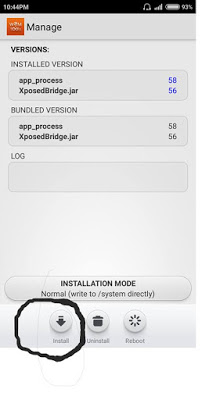
How to Swap internal storage and external storage in Miui 6, Asus Zenui
Step 1. Tap Install grant supersu access WSM Tools same with XInternalSD
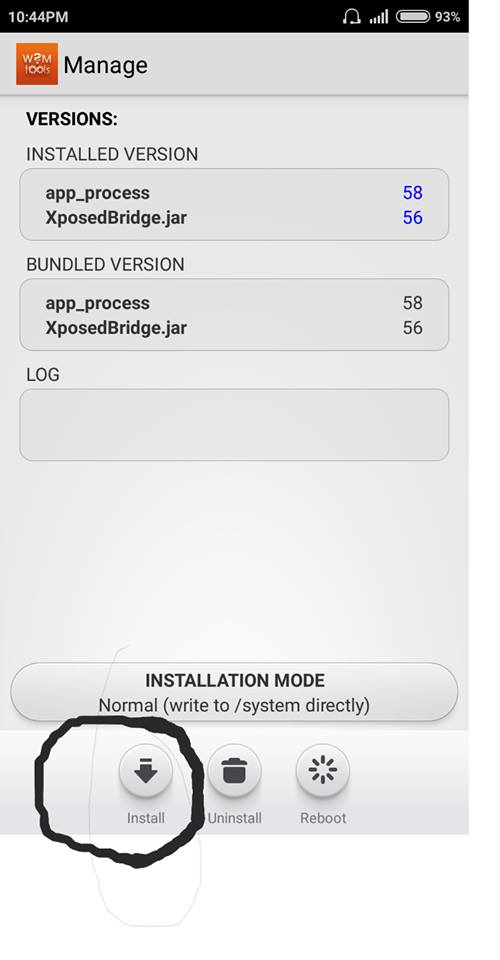
Step 2. Tap OK

Step 3. Tap OK to reboot

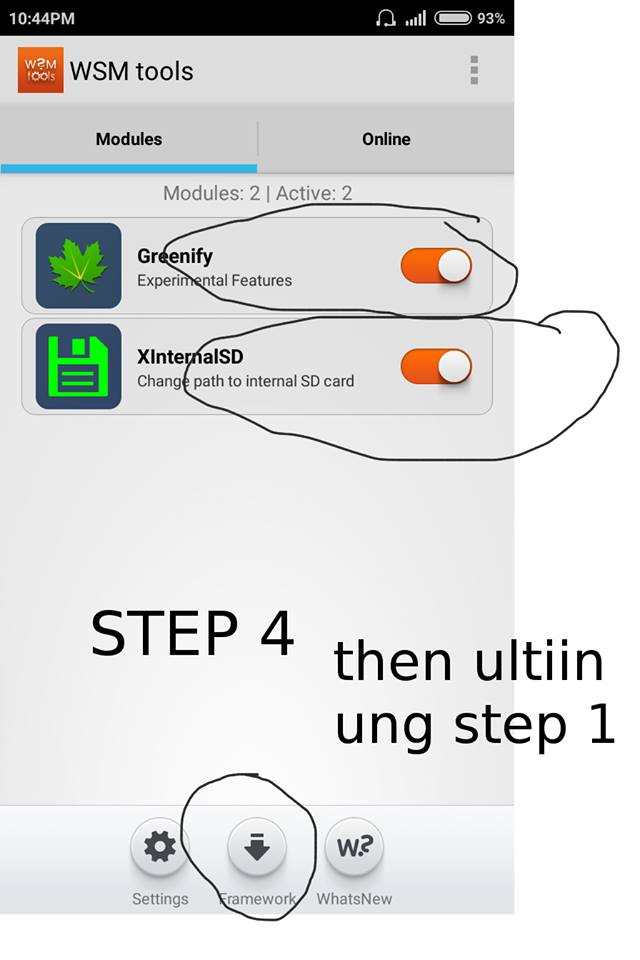
Step 4. Open WSM Tools then enable modules greenify and XInternalSD then Tap framework then go back to Step1 Step 2 and Step 3
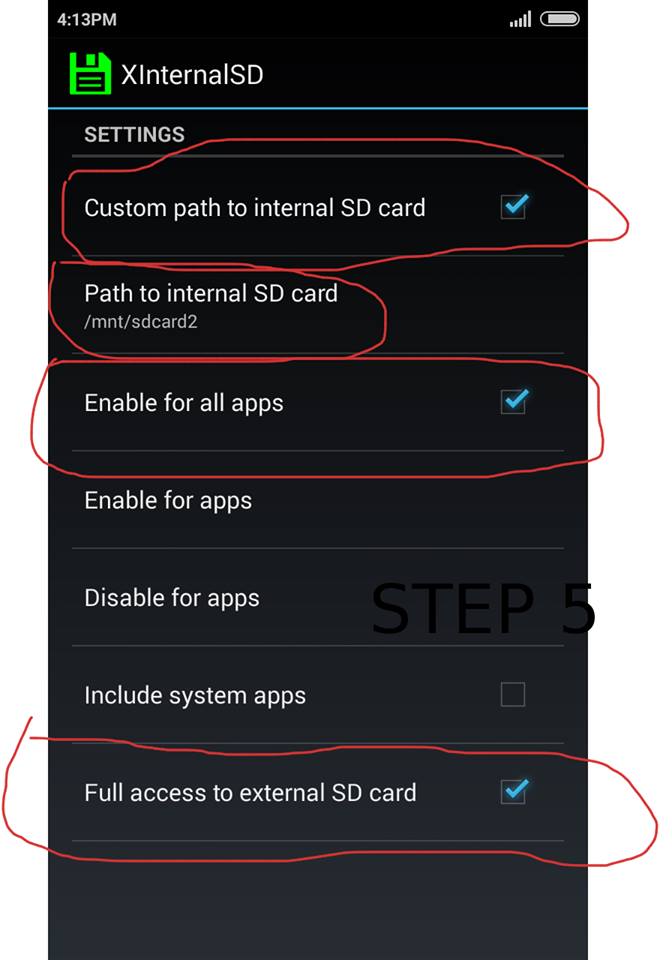
Step 5. Check all that apply
Credits:
Adam Gontier