
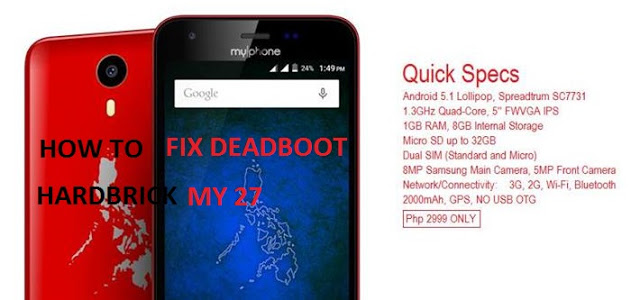
How to fix Deadboot / Hardbrick MyPhone My 27

DISCLAIMER: DO THIS AT YOUR OWN RISK. THIS WILL DAMAGE YOUR PHONE PERMANENTLY IF YOU DONT FOLLOW INSTRUCTIONS. I WILL NOT BE HELD RESPONSIBLE IF YOU DAMAGE YOUR PHONE.
REQUIREMNTS:
– PC
– Micro USB to USB Cable
INSTRUCTIONS:
– Download all files needed
– Install Spreadtrum Drivers (Link Below For Spreadtum Driver)
– Extract my27-Unbrick-File.rar
– On the extracted my27-Unbrick-File.rar, right click on the ResearchDownload.exe, select Run as Administrator
– On Research Download, click the Double Gear Icon on the top. (the 2nd Icon)
– Check only FDL1, FDL2, SYSTEM, USERDATA
– Again Check only FDL1, FDL2, SYSTEM and USERDATA, uncheck everything else
– Click Play (the triangle icon)
– Turn off your my27
– Press and Hold Vol. Up and Vol. Down.
– Connect it to your PC via USB Cable while still pressing Vol. Up and Vol Down.
– when it starts loading you can let go of the volume keys
– Wait until Research Download finish loading
– when Finish, you can now remove your phone
– Remove Battery and put it back now you can turn on you my27.
– 1st Boot is around 10mins
SPECIAL THANKS:
MARK ALOCEJA
CREDITS:
– SoCr@Te
– HamDie Kona Kaya
– Michael Liceralde
– Klark Luis Fajardo Peralta
– XDA